01
Document reminders
Each client’s checklist tracked, with a reminder drafted that lists exactly what is still missing.
AI for accounting, insurance and law offices in Orange County
AI tracks which documents each client still owes, drafts the reminder, and turns meeting notes into follow up emails and next steps. Your staff reviews everything, and client data stays in tools set up for confidential work.
We reply within an hour during business hours. Or email hello@endcap.design
Example
| Tax organizer, Jordan family | Status |
|---|---|
| W-2s (2) | Received |
| Mortgage interest, Form 1098 | Received |
| Brokerage 1099-B | Missing |
| Property tax bill | Missing |
| Childcare receipts | Missing |
Reminder, drafted for approval
Hi Jordan, thanks for sending your W-2s. To finish your return we still need three things: your brokerage 1099-B, the property tax bill and your childcare receipts.
When it pays
Someone checks every client’s list and writes the same email again. AI drafts each reminder from what is still missing.
Notes from a call turn into a summary, a follow up email and next steps, ready to review.
A business account and written rules keep confidential information out of tools that could train on it.
Upcoming renewals, filing dates and expirations get a drafted notice in time.
What we set up
Four jobs we set up for professional offices. Each one drafts the work, and your staff approves it.
Each client’s checklist tracked, with a reminder drafted that lists exactly what is still missing.
Notes from a client meeting turned into a summary, a follow up email and a task list.
Policy renewals, filing dates and expirations, each with a notice drafted ahead of time.
A one-page AI policy for your staff: which tools to use and what never goes in.
How it works
0130 minutes
Noah comes to your office, looks at how requests and paperwork move, and shows what AI can do with your own examples.
02In writing
The two or three jobs worth setting up, the tools, the schedule and a fixed fee.
03In your accounts
Set up in the email and software you already use, and tested on your real work.
04With your team
A hands-on session: how to use it, what to check, and what never goes into AI.
05After 30 days
We look at what is working, adjust the drafts, and fix anything that isn’t.
Your project
The proposal confirms what we set up, the schedule and a fixed fee before work starts.
Software subscriptions are billed by the vendor or passed through at cost.
We reply within an hour during business hours, and we only use your details to answer you. No mailing lists.
Book a free visitQuestions
We use business plans whose terms exclude your data from model training, limit access by person, and write a short policy your staff signs. For tax preparers it sits alongside the written information security plan the FTC Safeguards Rule requires.
Confidential information only goes into tools set up for it, following the State Bar of California’s guidance on generative AI. Lawyers review everything, and the work stays theirs.
No. It works from your email and the checklists you already keep. If your portal already sends reminders, we build around it instead of duplicating it.
It drafts and your team approves. Anything it isn’t sure about is flagged for a person instead of guessed, and nothing goes to a customer without someone reading it.
No. It takes the repetitive writing and sorting off your team, so they spend the time on customers. A person still approves everything that goes out.
The first visit is free. Setup and training are a fixed fee, agreed in the proposal before work starts. Software subscriptions are billed by the vendor or passed through at cost.
Noah, Endcap’s founder, does the visit, the setup and the training himself. He has built software and websites for businesses since 2014, and Endcap is based in Laguna Hills.
Our work
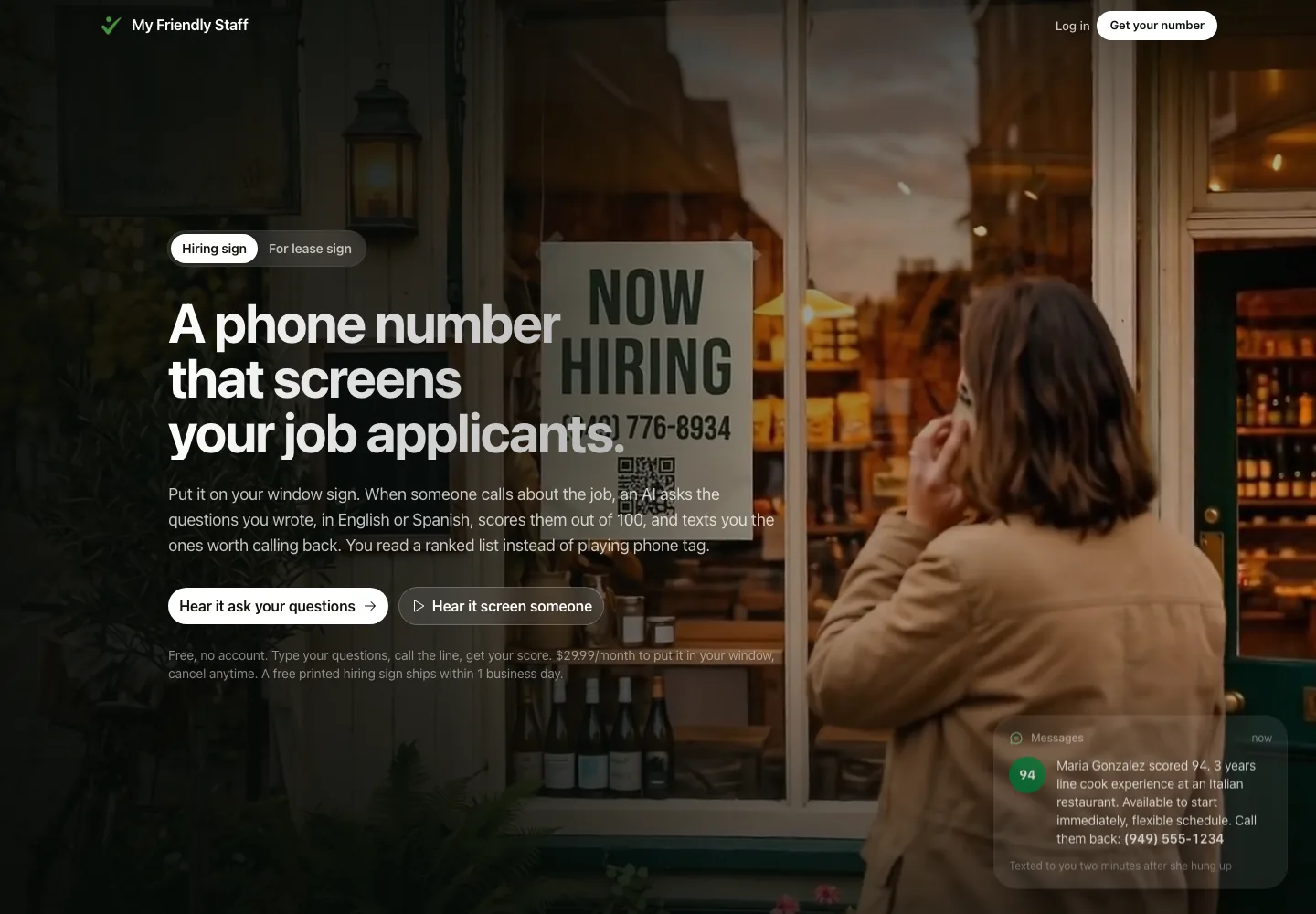
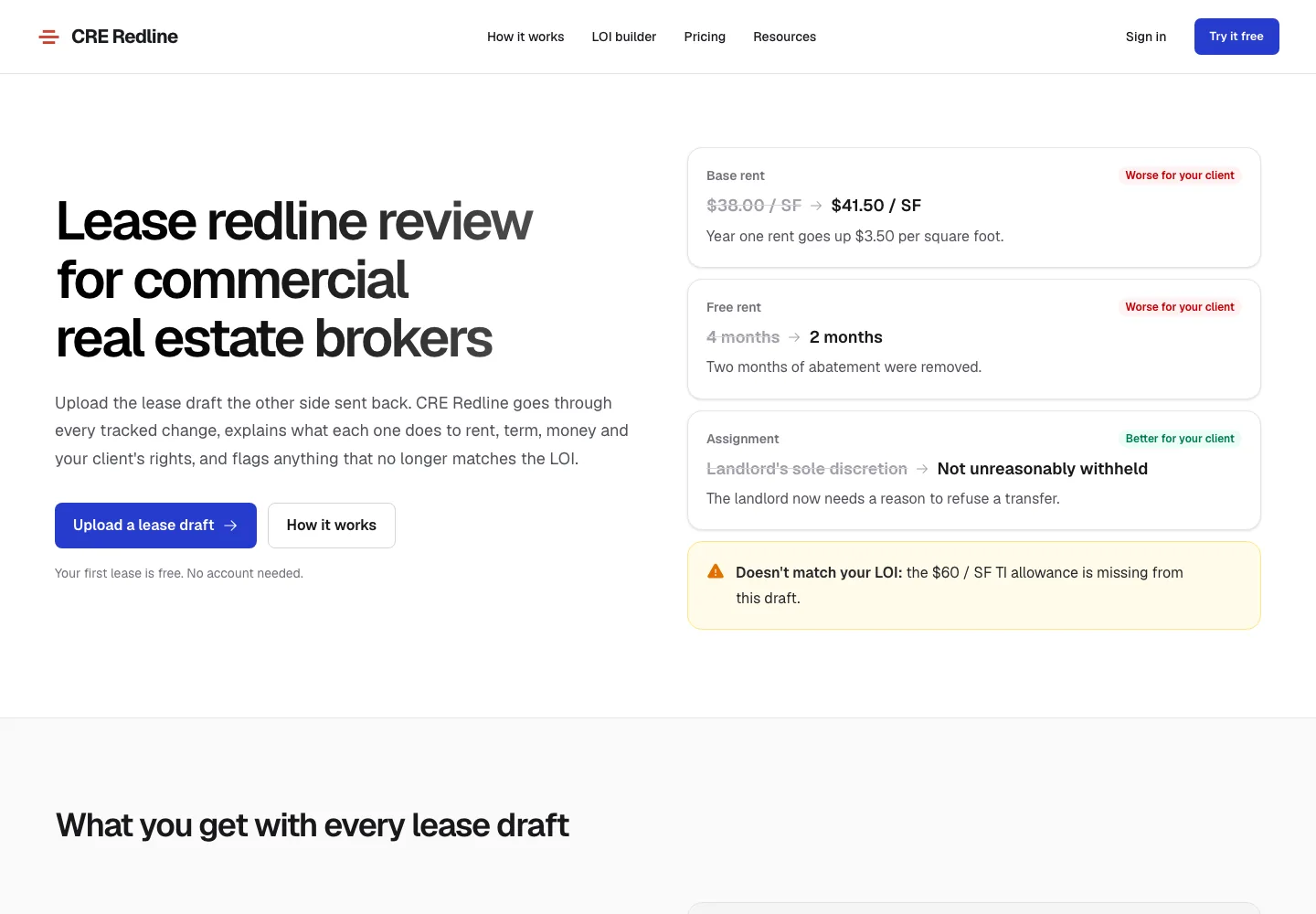
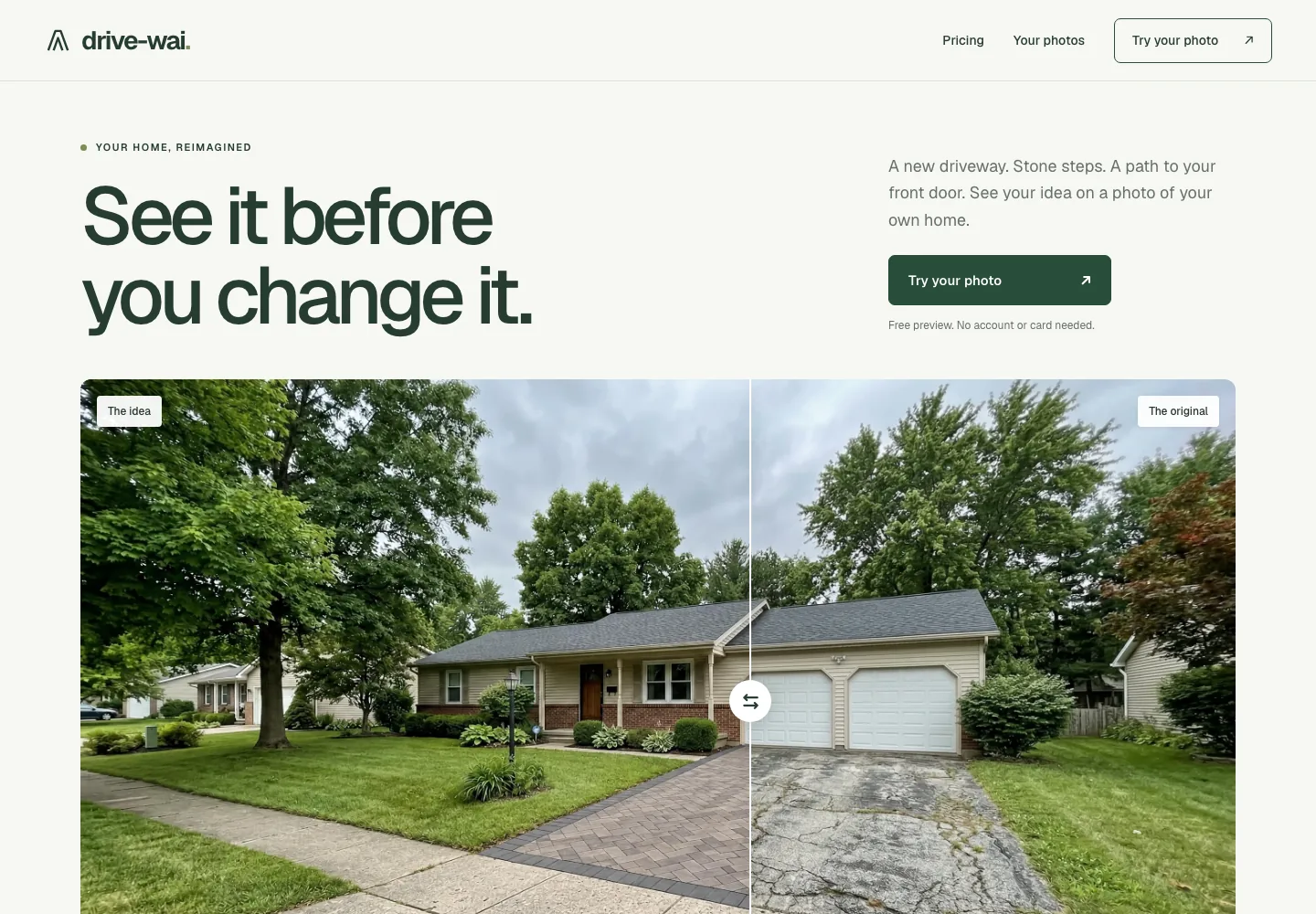
Products Endcap designed and built, each using AI: a hiring service that screens applicants by phone, a lease review tool and a home design product. They show how we build. They are not AI setup clients.
Contact Endcap
Tell us how client documents reach you today. Noah will come by and show you a reminder drafted from a sample checklist, and the rules we’d suggest for client data.
We reply within an hour during business hours, and we only use your details to answer you.
Book a free visit or email Noah at hello@endcap.design